 Goodnight Phone
Your phone goes to bed when you do.
Goodnight Phone locks the apps you choose while your iPhone is in your bedroom during bedtime hours. Walk out of the room and they unlock. No buttons to press, and no “just five more minutes”.
Free for iPhone, iOS 17 or later. Needs a small Bluetooth beacon by your bed, or a spare iPad or iPhone.
How it works
Pick the apps
Choose apps, categories and websites with Apple’s own Screen Time picker.Put a beacon by the bed
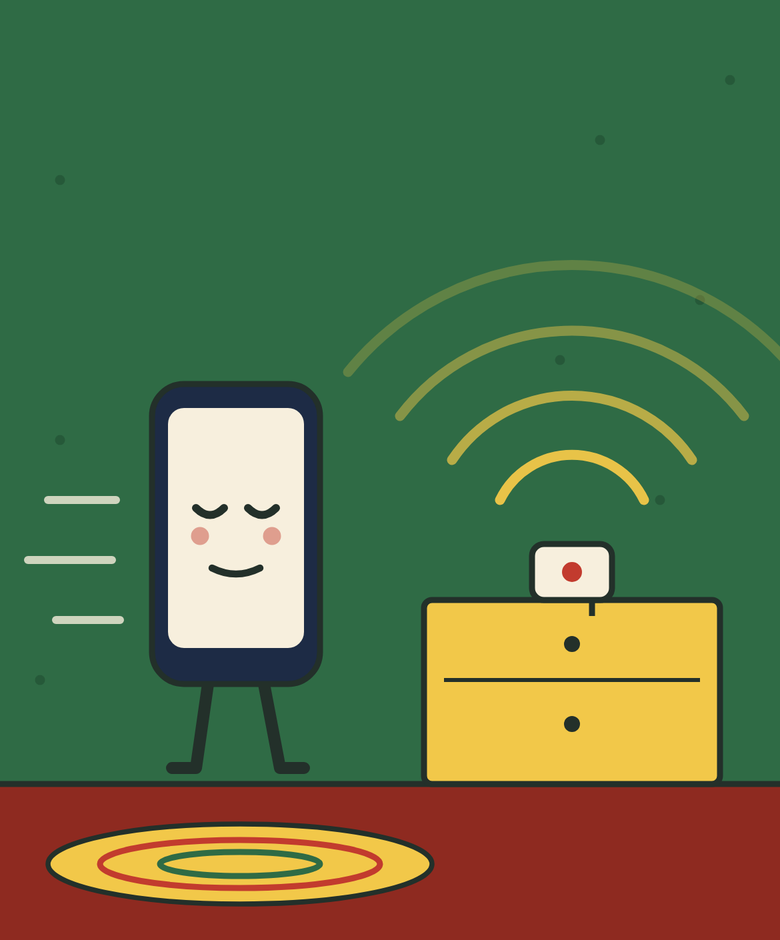
A small Bluetooth beacon marks your bedroom. The app sets it up and tunes its range for you.Set your bedtime
Pick your hours, or different hours for different nights. Take Fridays off if you like.
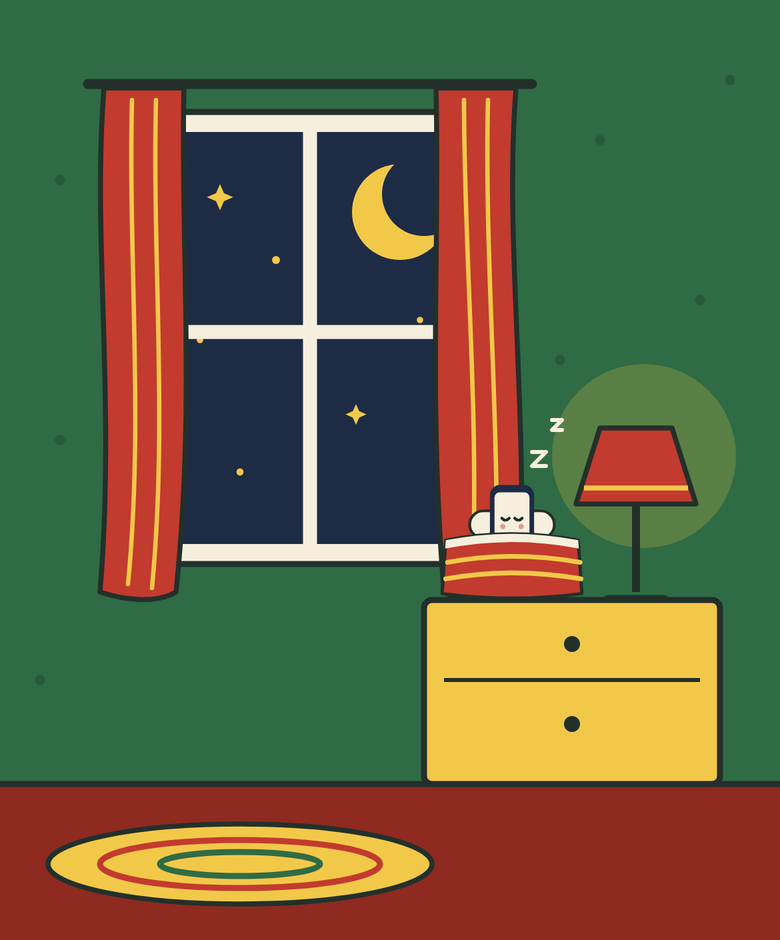
When you carry your phone into the bedroom during those hours, the apps lock. Leaving the room is the only off switch, so there’s no “unlock anyway” button to tap at 1 AM.
What you need
A small Bluetooth beacon by your bed. We recommend the Blue Charm BC-U1, about $19. It plugs into any USB charger, so there’s no battery to run out, and Goodnight Phone sets it up for you, range included, with no other app.
No beacon yet? A spare iPad or iPhone running Goodnight Phone can stand in.
Nothing leaves your phone
No account, no servers, no analytics and no ads. Goodnight Phone makes no network requests at all.